
How M-Pesa STK Push Works for Pay-as-You-Go Wi-Fi Hotspots
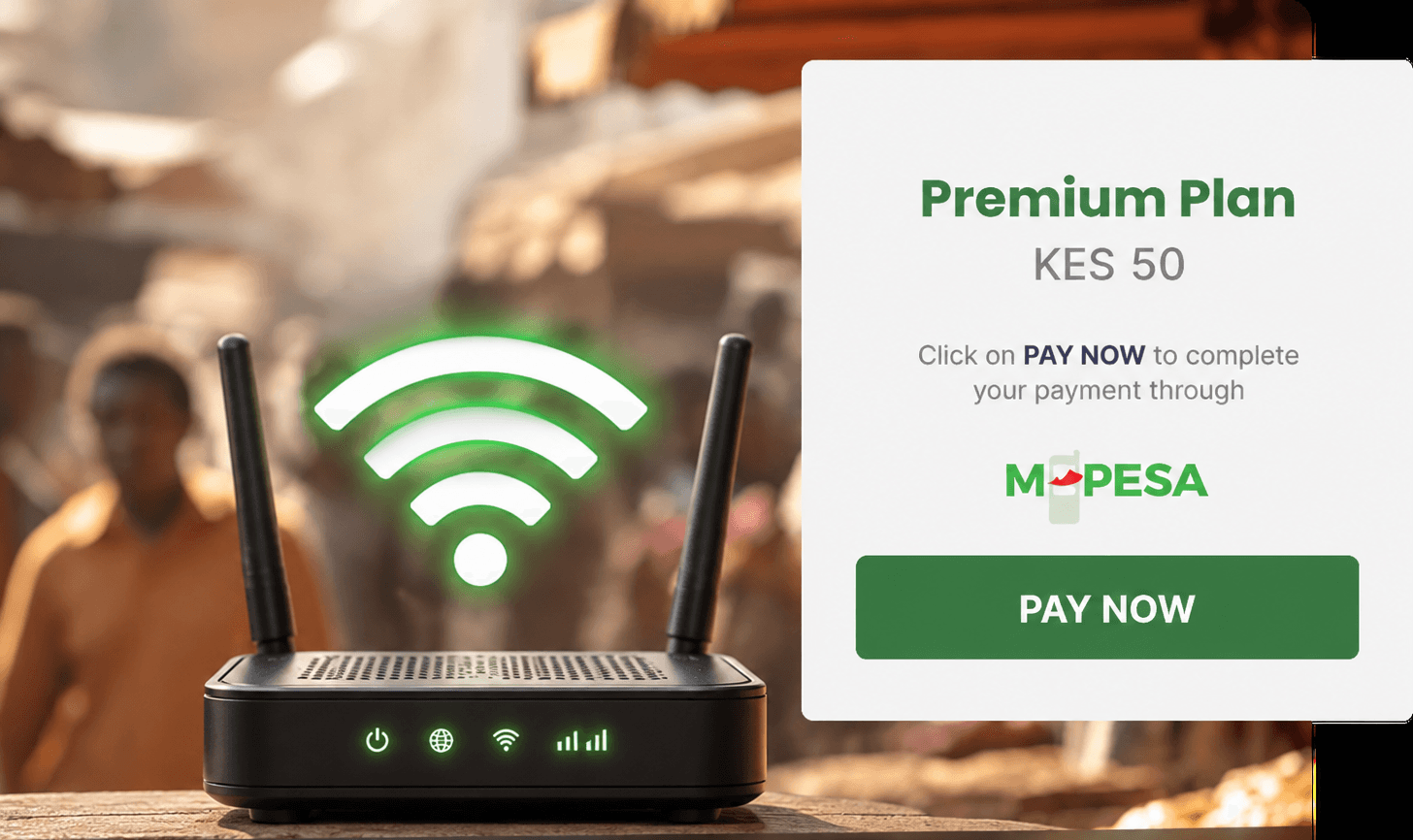
A pay-as-you-go hotspot earns only when the payment step works. A customer who wants an hour of internet needs to pick a package, approve a payment, and get online without a long wait or a confusing screen. The M-Pesa STK Push is built for that moment. It sends a payment prompt straight to the customer’s phone, so they approve the amount on their handset rather than typing a Paybill number or account reference.
This article explains how the STK Push fits into a hotspot purchase, what your system needs to do, where the common problems come from, and how a split payment can share revenue with an estate, host, or reseller. It’s written for cyber cafe owners, estate network operators, and developers connecting a captive portal to mobile money. If you are still deciding between the two main M-Pesa methods, start with our comparison of M-Pesa Paybill vs STK Push for ISPs.
What the M-Pesa STK Push is
The STK Push is a one-time payment prompt. When your system asks for a payment, the customer’s phone shows a prompt with the amount and the payee and asks for their M-Pesa PIN. Once the customer approves, the payment is processed.
Each purchase needs its own prompt. A customer who wants another hour buys it again, and that sends a new prompt. Nothing is charged on a schedule, and nothing is charged without the customer approving it on their phone.
This matters for hotspots because most purchases are short and unplanned. A customer who wanted one hour should not be charged for the next one by accident, and a prompt tied to a single purchase keeps that clear.
The hotspot purchase flow from start to finish
- The customer chooses a package on the captive portal, for example one hour for KES 50.
- Your portal calls the IntaSend API with the amount, the customer’s phone number, and a reference for this purchase.
- The customer’s phone shows the prompt, displaying the amount and the payee.
- The customer enters their PIN and the payment is processed.
- IntaSend sends a webhook to your system with the state of the payment.
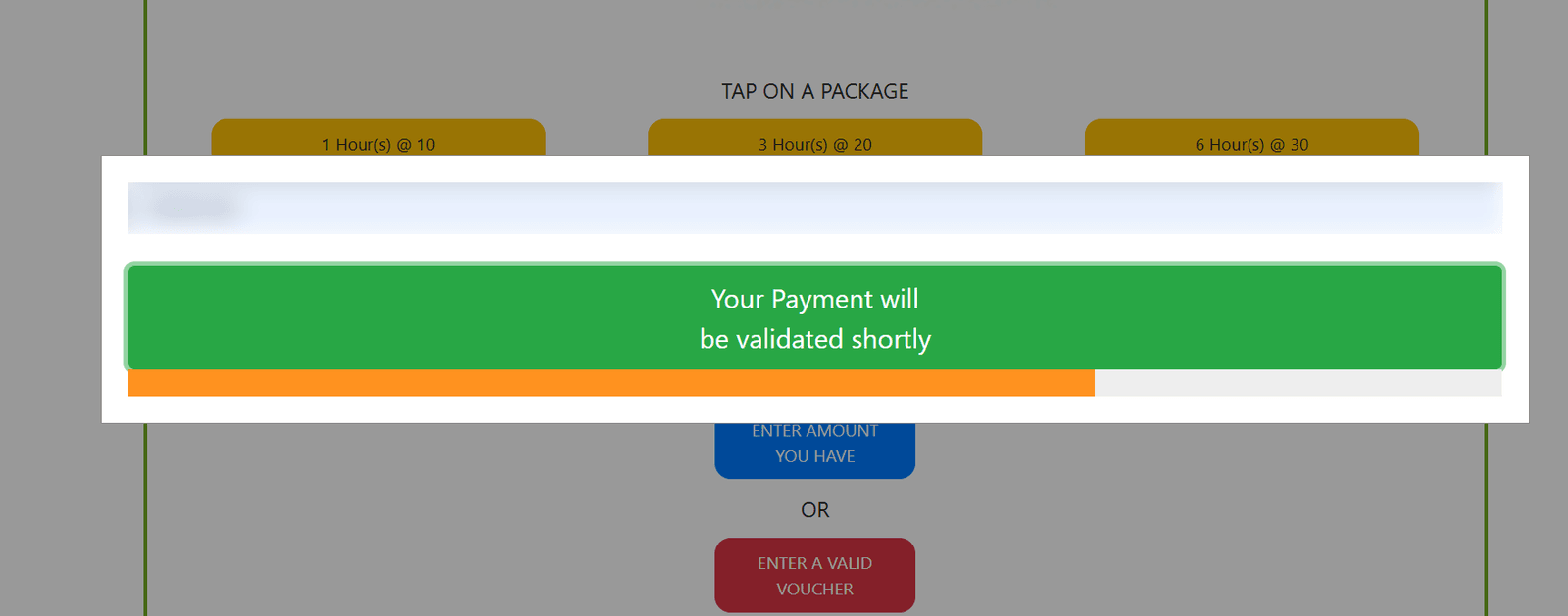
- Your system grants access once the state shows the payment is complete, for the length of the package.
From the customer’s side, this is one choice, one approval, and one confirmation. The rest happens in the background.
Choosing the reference for each purchase
The reference you send with each request, called api_ref in the API, is what links a payment to a purchase. It comes back on the invoice and in every webhook, so when the webhook arrives your system uses it to decide which session or device gets access.
For hotspots, create one reference per purchase attempt. A useful approach is to include the package and the device or session it’s for. Keep the reference unique for each attempt. Reusing one reference across several purchases makes it hard to tell which payment belongs to which session, and that is where access errors begin.
Keeping the amount in line with the package
The amount in the request must match the package price the customer saw. If the portal shows KES 50 for one hour, the prompt must ask for KES 50. Note that STK Push amounts are in KES and are rounded up to a whole shilling, so price packages in whole shillings.
Build the request from the package record rather than typing amounts by hand. When the portal and the payment both read from the same record, they can’t drift apart. When the webhook arrives, check that the amount and currency match the package sold before granting access.
Grant access only on confirmation
Start access when the payment is confirmed, not when the customer taps the button. Activate only when the payment state is COMPLETE. A payment moves through states such as PENDING and PROCESSING first, and any state other than COMPLETE means the purchase has not succeeded, so access stays off and the portal offers a retry if the payment fails.
This rule protects you in two ways. It stops free access on a failed payment, and it stops a customer being charged without getting online. Webhooks can arrive more than once or out of order, so act on the state in the payload rather than the order events arrive in, and grant access only on the first confirmed payment for a given purchase.
How access is enforced on the network
Payment confirmation is only half the job. The network has to enforce the access period too. On MikroTik hotspots, a RADIUS server is commonly used to authenticate each session and record its usage, so the router knows when to allow traffic and when to stop it. The MikroTik RADIUS documentation explains how the router and the RADIUS server exchange these decisions.
Session accounting is what lets the system end access at the right time. The FreeRADIUS documentation describes how usage records are kept, which is useful when you need to check how long a session ran against the package sold.
Keep the payment and the network enforcement connected in one clear rule: access is switched on for the paid period and switched off when it ends. If either side disagrees with the other, check the session record before changing the payment.
When an STK Push prompt does not complete
A failed payment record includes a failure reason and a provider code (failed_reason and failed_code in the webhook). These come up most often on hotspots:
| Code | What happened | What the portal should do |
|---|---|---|
| 1032 | The customer dismissed the prompt or didn’t enter their PIN | Show the package again without a long wait or a confusing error |
| 1037 | The phone was off, had no signal, or the SIM was old | Ask the customer to check the number and try again |
| 1 | Insufficient M-Pesa balance | Suggest a cheaper package or a top-up |
| 2001 | Wrong PIN | Let the customer retry straight away |
In all of these cases no money has moved, so there is nothing to refund. The customer simply retries, and a new prompt is sent. The full list is in the STK Push guide.
Sharing revenue with an estate, host, or reseller
Many hotspots don’t belong to one owner. An estate may run the network while a management company or landlord takes a share. A cyber cafe may sell packages through a partner in another location. A reseller may sell vouchers or access on the operator’s behalf. In each case, the money should be divided without someone having to move it by hand afterwards.
IntaSend’s split payments infrastructure is built for that. A split rule on your collecting wallet moves a share of every payment into other wallets, by percentage or fixed amount, when the payment clears. Each party’s share is set aside automatically instead of being reconciled in a spreadsheet at the end of the month. For the mechanics, see what split payments are.
How it fits the hotspot flow
The split happens on the payment, not on the access. The customer still pays one amount with one prompt, and your system still grants access on a confirmed payment. The split runs alongside that.
What your records look like
Each collection carries a list of its splits once the payment has cleared. Each split that is executed appears as its own wallet transfer, and sends a wallet_transfer_event webhook, so you can show every party what they were allocated and when.
Timing
Splits are applied once the payment has cleared, which can take a while after the customer approves. Don’t promise a host or partner that their share arrives at the moment the customer pays. Make the clearing period part of the agreement.
A practical example
Suppose a customer buys a daily package for KES 200 at an estate hotspot, and the rule sends 30 percent to a wallet set aside for the estate management company. Splits are calculated on the net amount after IntaSend fees. If the fee on that payment were KES 6, the split base is KES 194, so KES 58.20 goes to the estate’s wallet and KES 135.80 stays in the operator’s collecting wallet. Access for the day starts on confirmation, and the split is recorded separately. Splits move money between wallets in the same currency, and each partner’s share can then be paid out to them.
Why it helps the business model
Revenue sharing is common in hotspot businesses, and it’s often where disagreements start. A clear split, set in the same system that takes the payment, removes most of the friction.
Keep the payment and the hotspot separate
The payment and the hotspot are two jobs, and it helps to keep them apart when something breaks.
- The payment side sends the prompt, collects the payment, shares the revenue where a split is set up, and tells your system the result.
- The hotspot side runs the captive portal, session timers, bandwidth limits, device limits, and any free allowance.
If a session ends too early, the payment is rarely the cause. Check the timer and the session record first. If a free allowance keeps resetting, check the portal rule. If a partner says their share is missing, check the clearing status and the split record before assuming the access side is wrong.
What to set up before opening to the public
- Confirm that the portal shows the same package names and prices the payment request uses.
- Confirm that access starts only on a confirmed payment, and test a failed one.
- Test a full purchase from a phone that isn’t yours, and time how long it takes to get online.
- Confirm that your system can receive the webhook at a secure HTTPS address and checks the webhook challenge.
- If you’re sharing revenue, agree the split percentages and the clearing period with each partner in writing before launch.
- Set a rule for a customer who is charged but not online, and keep a record of each case.
Where IntaSend fits
IntaSend provides the M-Pesa STK Push that collects each hotspot payment, the webhook that tells your system the outcome, and the split payments infrastructure that can share each payment between wallets for the parties involved. The captive portal, session timers, and bandwidth rules remain with your hotspot setup, and a developer or your hotspot platform connects the portal to the Payments API. For monthly home plans rather than hourly packages, read how ISPs automate monthly subscription renewals with mobile money.
If you want to talk through how this could work for your network, including any revenue sharing with an estate or partner, talk to sales. You can also reach us on WhatsApp at +254 711 082 947, by email at [email protected], or by phone at +254 114 114 644.